A desk bell that shows how long people really read my portfolio, designed in Claude Code
00.What Bella is, and why I made it
Bella is the host of this portfolio: a desk bell that sits in the navbar as the logo. It counts how long you actively spend here and shows it on a small sign when you hover.
I wanted to know whether people actually read my work, and to give them a reason to stay. A timer could only do the first, so it became a character. I designed and built it entirely in Claude Code, without drawing anything by hand.
01.What I learned from other mascots
I started by asking Claude Code for a minimal character that could work as the logo and show the time on a board when hovered, and for at least five hospitality mascots to study first.
I asked: A small very minimal character for this website ... as the logo, which would flash time in a board when hovered.
Claude Code: Six references (Tripadvisor's Ollie, the Suica penguin, Air India's Maharaja, Kumamon, Bibendum and Grimace) and three directions from the site's guesthouse theme: key tag, bellhop, desk bell. Two minutes later, at 09:12.
The same four patterns appeared across all six references. Simple characters get their personality from pose, not detail. These patterns became the rules for designing Bella.
One or two colours
None of the six relies on a full palette. Kumamon, for example, is a black bear with red cheeks.
One basic shape
Each body is a single, easy-to-recall form, like Bibendum's stack of white tyres.
Dot eyes
Faces stay minimal. Small round eyes carry most of the expression.
Personality from pose
Mood comes from posture and movement rather than detailed facial expressions.
02.Exploring four characters for the logo
Claude Code drew each character as code, in the browser, from my descriptions. I reviewed every round and said what wasn't working. A pattern emerged: versions that looked good on their own often didn't fit the site, so each round moved back toward the design system.
First sketches, in one colour
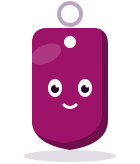
Three directions from the site's guesthouse theme, each in a single colour. The door hanger was added later, for this case study.

Key tag

Bellhop

Door hanger

Desk bell
The same four, with light and shadow
To add depth, I pointed Claude Code to the Grok, Codex and Muse characters. Each character gained a lit side, a shaded side and a shadow.
Key tag

Bellhop

Door hanger

Desk bell
03.I picked the desk bell over the key tag
The key tag was the strongest alternative until I tested it in context. Claude Code placed it in the live navbar, and at logo size its details disappeared.
In the header the key tag looks really small and the details go missing.
Key tag
Not picked- Clear at logo size?: no
- In the 40px navbar it looked tiny and its details disappeared.
- Can it ring?: no
- A key tag makes no sound, so a ding before each line wouldn't fit.
- Fits the guesthouse theme?: yes
- Guests receive one at check-in.
Desk bell
Picked
- Clear at logo size?: yes
- A dome on a base still reads at 40px.
- Can it ring?: yes
- A bell already calls for attention, so it rings before it speaks.
- Fits the guesthouse theme?: yes
- Guests ring it at the front desk.
04.Settling Bella's colours, face and sound
Once the desk bell was chosen, its look started to drift. Each request for more character added more finish, and with shading and chrome it no longer read as a bell. I brought it back to the design system twice.
It doesn't feel like a bell anymore. Make sure it feels like a bell, and maybe acts like a bell as well.
Flat plum

Chrome with charcoal

Blackcurrant and grape
Kept
Gold, for the champion
Kept
The final look
Finish. A blackcurrant dome and grape base from the design system. Gold is reserved for the champion.
Face. Eyes only, with no mouth or cheeks.
Hands. Hidden behind the bell, appearing only to hold something.
Sound. A short synthesised double ding before every message.
05.What Bella does on the site
The first version of Bella only kept time. Each feature after that was designed around a specific moment in a visit, asking what a good host would do there. They're shown below in the order a visitor meets them.
1. Greets you at set moments
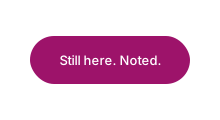
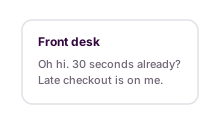
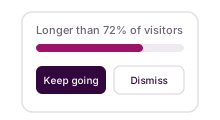
Bella checks in a few times during a visit. It rings once, then types a short line in a compact tooltip that never covers the content.
Tooltip options explored
Grape speech bubble
Front desk rich tooltip
Card with a percentile bar
Compact dark, with a pointer
Kept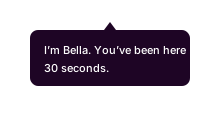
2. Shows your time on demand
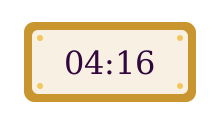
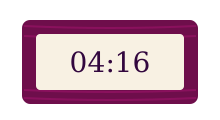
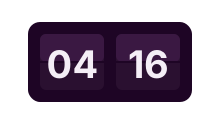
Hovering over or tapping the bell lowers a sign with your active time. On phones, tapping again hides it.
Sign options explored
Brass and ivory plaque
Grape wood frame
Dark flip clock
Cream plaque with flip digits
Kept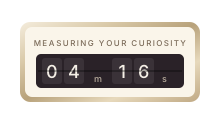
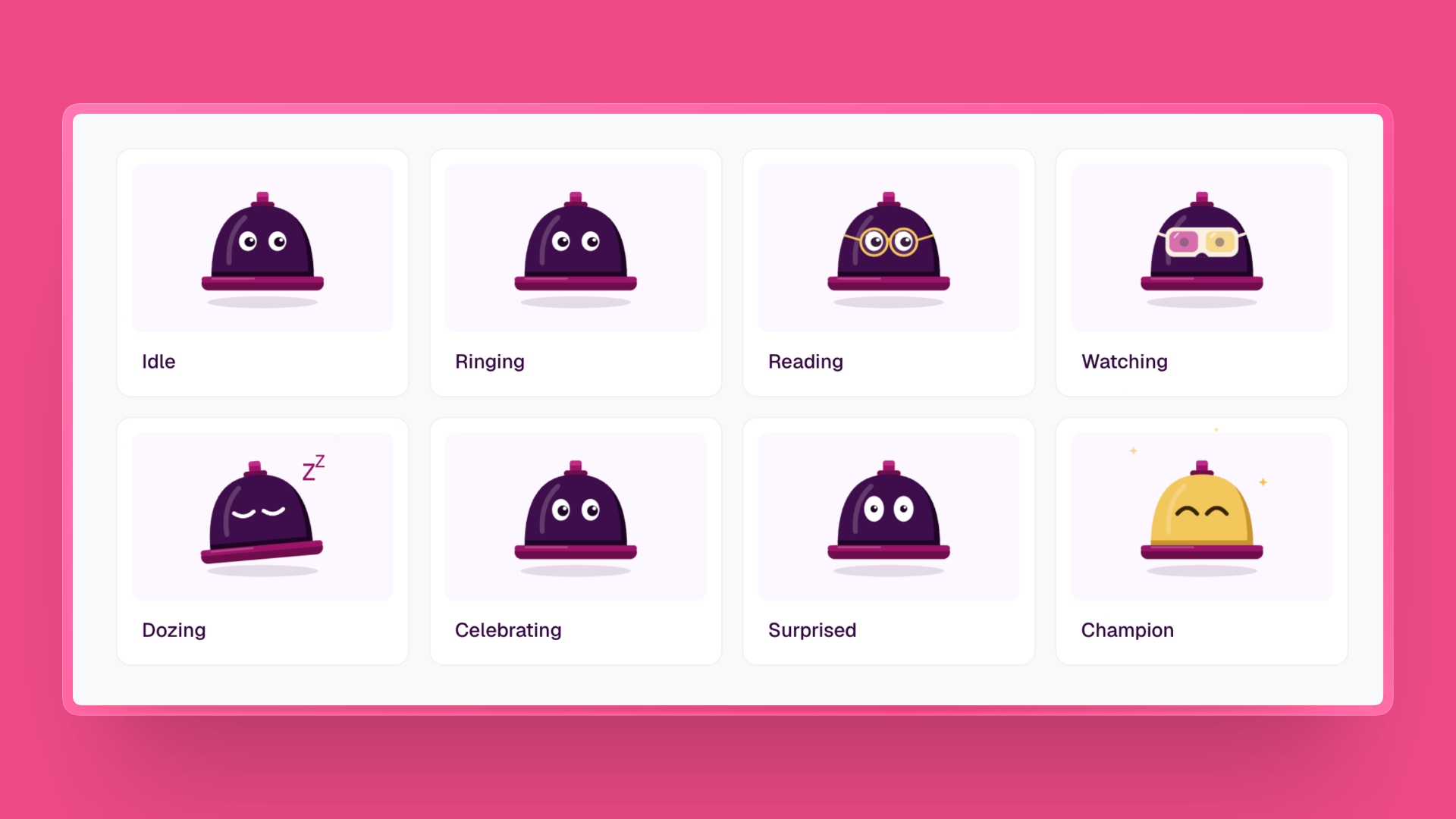
3. Reacts to what you're doing
Bella puts on reading glasses while you read a case study and switches to 3D glasses while you watch a video. The timer keeps running in both.
4. Rewards exploring
Reaching a goal on the site earns Bella a gold bow tie. Goals include reading two case studies, downloading the resume and copying the email, and each one gets a short line you can close.
5. Celebrates the longest visit
The longest visit of the month turns Bella and its sign gold. Visit counts are never shown.
Every state at a glance
Idle
Ringing
Reading
Watching
Dozing
Celebrating
Surprised
Champion
06.Behind the desk: reading the numbers and keeping them real
Bella only helps if the numbers are true. Visitors never see them, so I built a private stats page that only I can open, and a set of checks that keep fake visits out of it.
What I see on the stats page
The page sits behind a key. Five wrong tries locks it for 15 minutes. It answers one question: did people read, and what?

Time
Visits, visitors, average and median active time, and the longest visit so far.
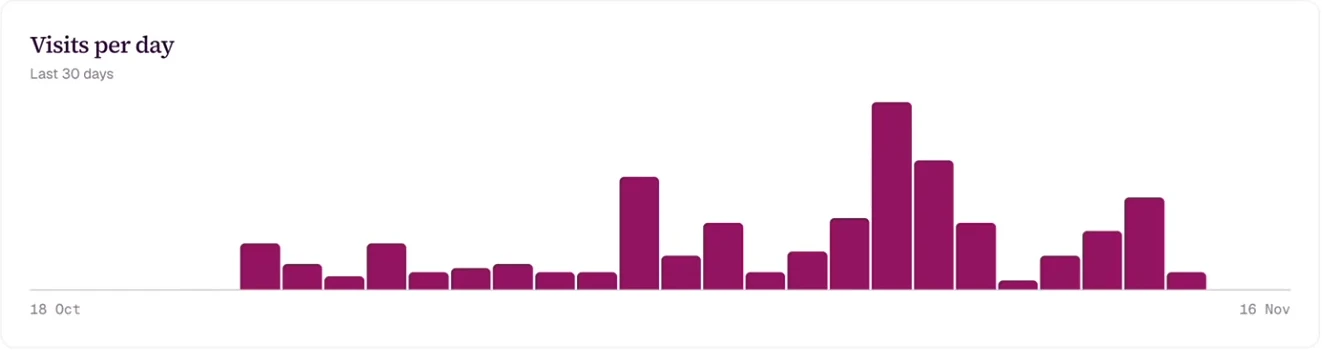
Visits per day
One bar per day for the last 30 days, so a sudden jump stands out.
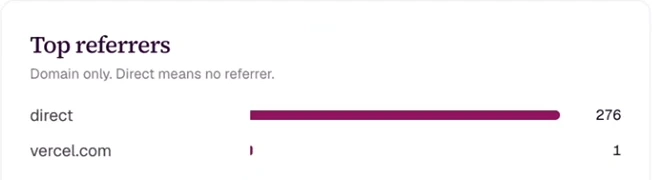
Where people come from
By site only, like linkedin.com, never the full link.
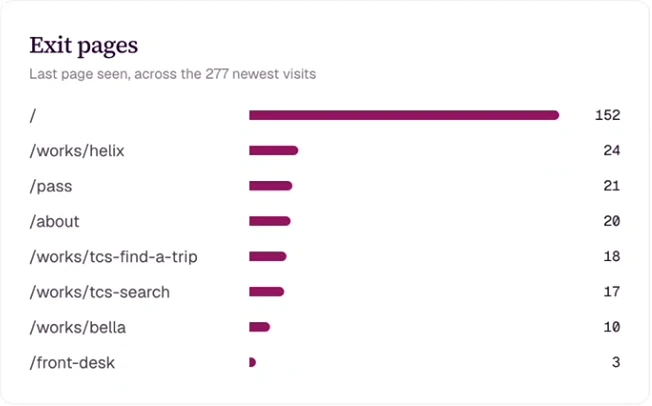
Where they leave
The last page seen in each visit, so I know which page ends a visit.
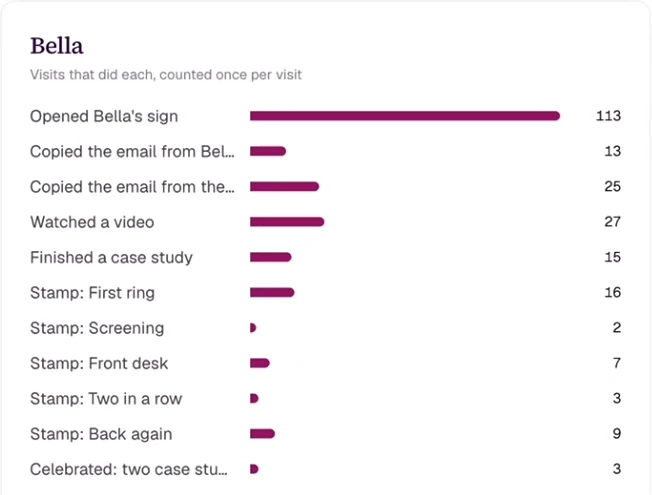
What they do with Bella
Opening the sign, copying the email, earning a stamp. Each counts once per visit.
How the numbers get there
I don't have to remember to check. The numbers are saved as visits happen, and Claude brings them to me.
Each bar is one day. While a tab is open it reports every 20 seconds, and each visit is counted once.
Keeping out fake visits and spam
Anyone can send the site a made-up visit. So the site checks every report instead of believing it.
- Someone tries to
Leave a tab open all night
Nothing added after 30 seconds
The clock pauses when the tab is hidden or nothing moves for 30 seconds.
- Someone tries to
Send a made-up nine-hour visit
Cut down to real time
A visit can't claim more time than has passed since the site first saw it, and it stops at two hours.
- Someone tries to
Flood the site with hundreds of visits
Stopped at the limit
Each connection can only start so many visits an hour. Its address is scrambled before it's stored.
07.What Bella solves
Bella was designed with two goals: give visitors a reason to explore, and show me whether they did. Every feature supports at least one of them, and most support both.
I can see what holds attention
Active time per visit and per case study shows which work people actually read.
Visitors get a reason to stay
Messages and goals encourage a second case study without interrupting the first.
Only real time counts
The timer pauses when the tab is hidden or idle for 30 seconds, so a tab left open all day adds nothing.
The site has a host
Greeting and responding to visitors makes the portfolio feel hosted, not just browsed.
Keep reading
Down the hall
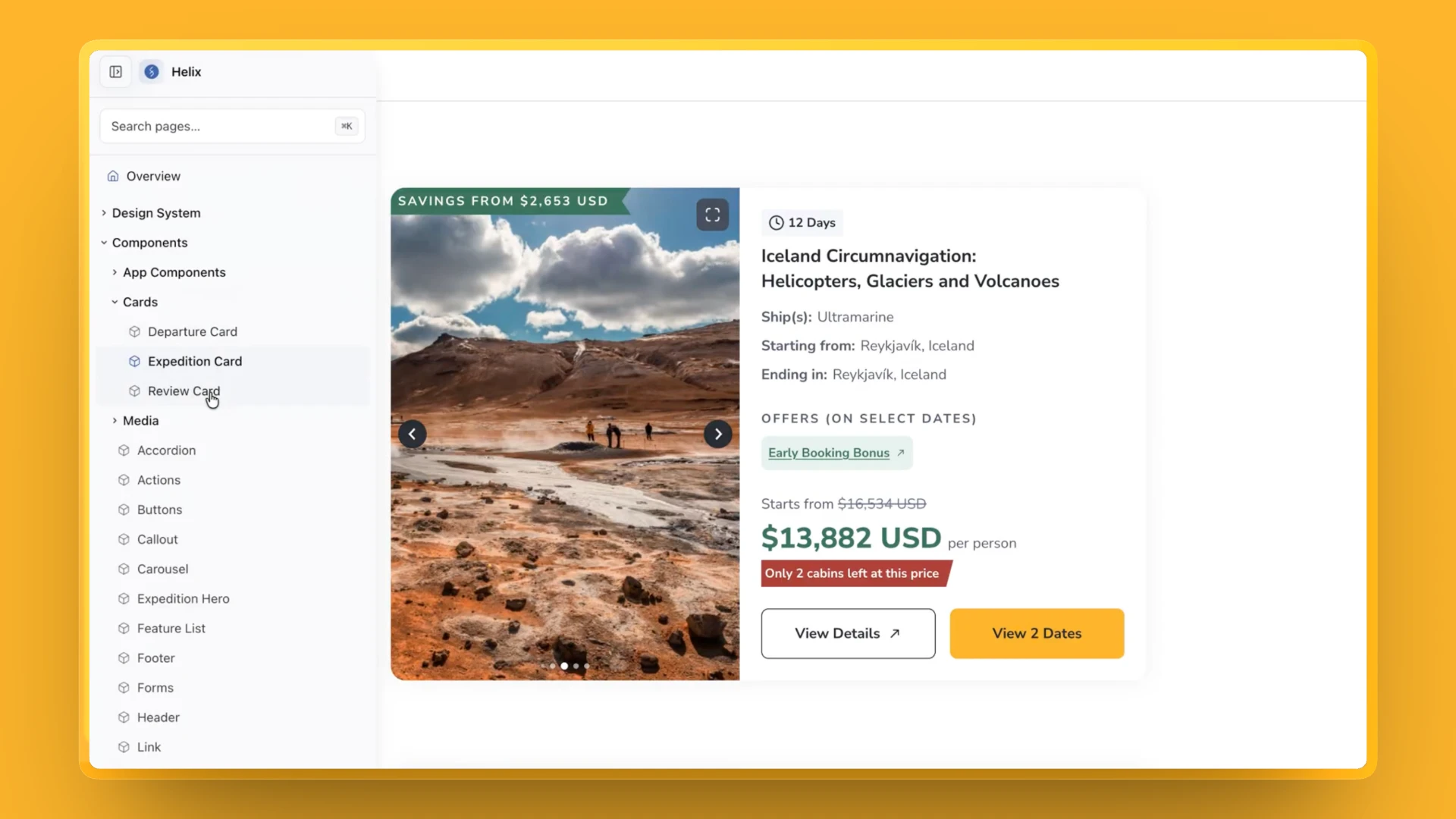 Room 101Shipping designs in half the time with Helix on Claude CodeA design-system skill for Claude Code, so designers build from our real components and what we design is what ships.
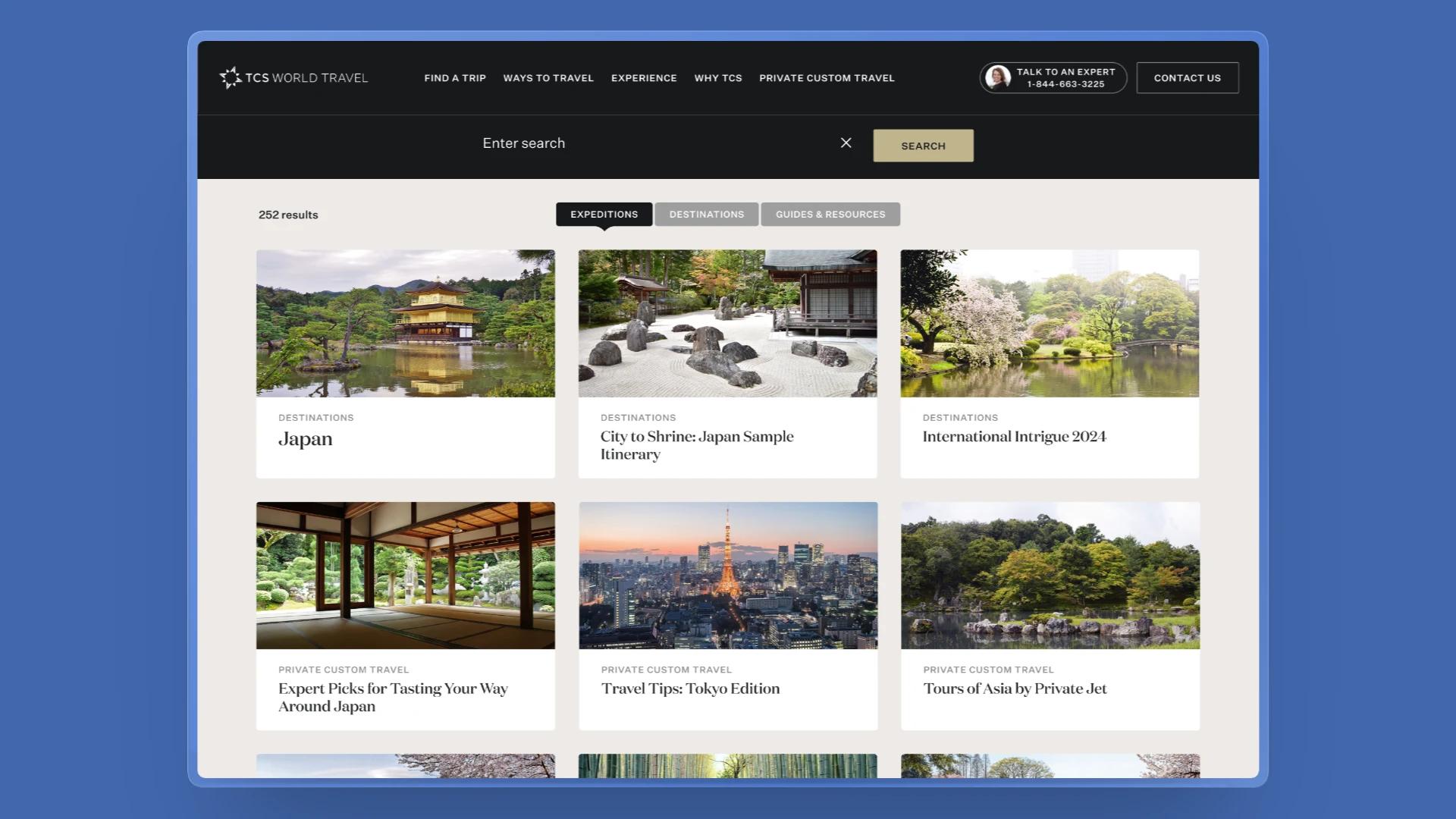 Room 102From every trip at once to the few that fit: filters for TCS searchFilters, a result count and each trip's route on its card, so travellers can find the trips that fit. Live since July 2026.