Shipping designs in half the time with Helix on Claude Code
00.Overview
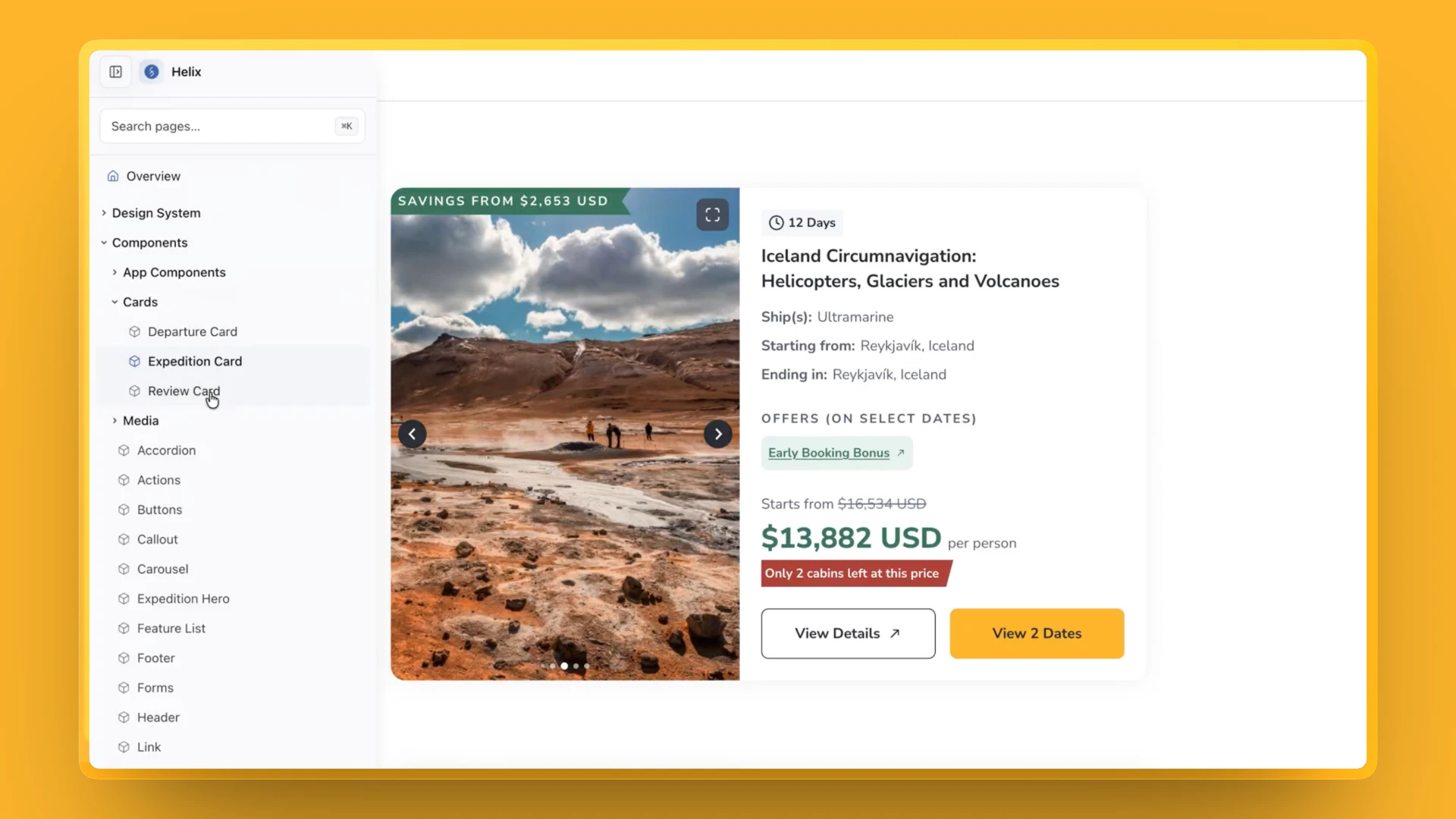
Helix brings every Travelopia brand's design system directly into Claude Code. Designers can explore ideas, build interfaces and work with the same production-ready components our developers use.
What we build is what ships, and our designs now take about half the time to deliver.
- Role
- Product Design, Design Systems & AI-assisted Development
- Team
- Ashmik Ragesh, Hriday Gami, Arunava (Design), Travelopia developers (Engineering)
- Timeline
- June 2026 – present
Pilot in June · Rollout from July · In daily use since August
01.Two design systems that had to match
Every ticket was designed in Figma and handed to developers, who built it again in code. Even well-documented files lost small details like padding and colour values on the way.
Each slip came back as a bug ticket that only a developer could fix, even when the fix was small.
The Problem Statement
Our design systems existed in two places: Figma and code. Keeping them aligned across multiple brands meant more handoffs, more inconsistencies and more dependency on developers for even the smallest fixes.
02.Claude Code alone wasn't enough
Before building Helix, I experimented with using Claude Code and our Figma components through the Figma MCP server on Enchanting Travels.
It was promising. Screens came together quickly, but the output wasn't consistent with our design system. Spacing drifted, components were improvised, and every build needed manual corrections.
It became clear that giving AI access to a design system wasn't enough. It needed a way to work within its boundaries.
Four problems to solve
Between that test and our day-to-day work, four problems stood out. Each one became a part of Helix.
Two copies of every system
Each design system lived in Figma and again in code. Even well-documented files lost padding, spacing and colour values on the way.
An AI that improvised
With Figma as a reference, Claude Code still drifted from the system, so every build needed corrections.
Four brands, four systems
I design for TCS, Quark, Kalos and Enchanting. Each has its own system, and none of it should leak into another.
Fixes waited on developers
Every miss went back as a bug ticket and waited for a developer, even when the fix was small.
03.How Helix solves it
Each problem from earlier has its own answer in Helix.
1. One design system per brand, in code
Each brand’s design system now lives directly in Helix as reusable TypeScript components. Designers work with the same components developers use, eliminating the need to maintain two separate versions of the system.
2. Only the system's values
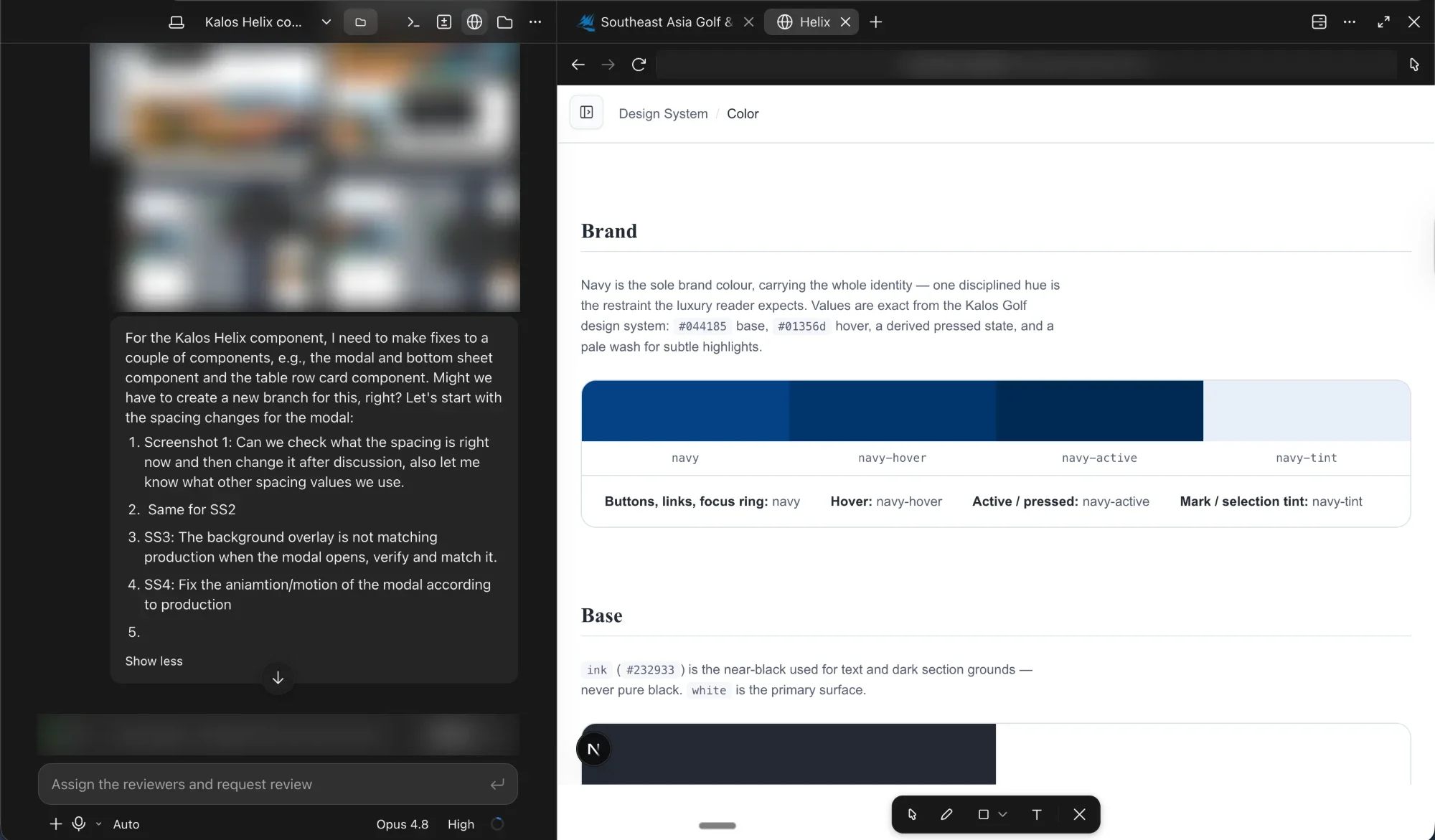
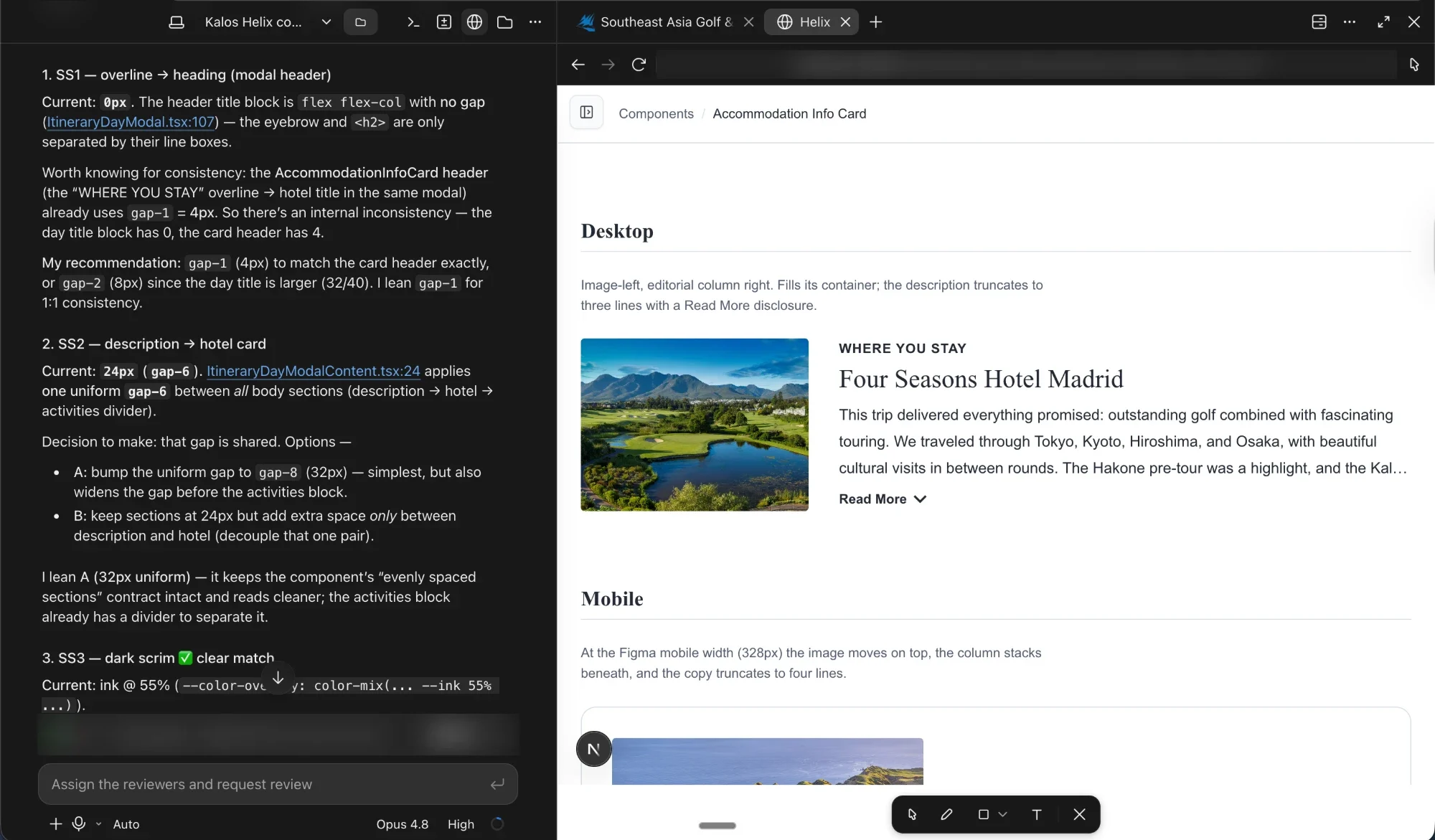
Helix is restricted to each brand’s own tokens and components. That means no made-up colours, inconsistent spacing or improvised components. If something is missing, we add it to the system rather than work around it.
Point at the modal or a token
Colour
Radius
Spacing
Shadow
3. One skill, different brand systems
Helix supports a dozen Travelopia brands, each with its own design system. My day-to-day work covers TCS, Quark, Kalos and Enchanting Travels, so keeping those systems separate was particularly important.
4. Designers fix it, developers review
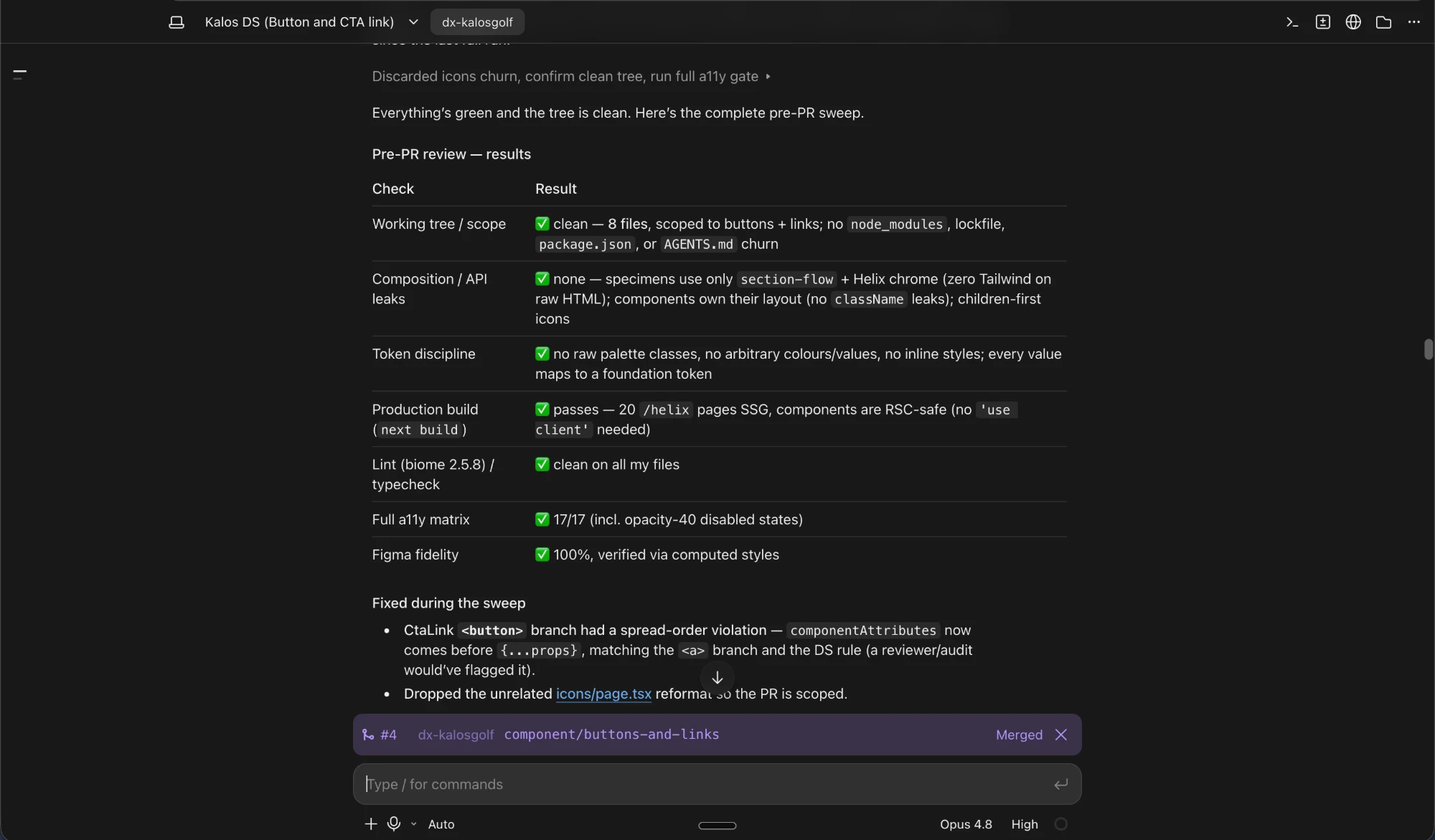
When I spot a miss, I can fix it directly in Helix and raise a pull request. Developers review the change against the existing codebase before it’s merged, keeping the system consistent without sending every small correction back as a separate ticket.
04.How we rolled it out
- 01
Live work never stopped
Tickets kept coming in, so we couldn't pause to migrate every component from Figma at once. Helix went in alongside the live work.
- 02
Foundations first, for every brand
We started with every brand's primary tokens and values, not its components. Once those were exactly right, anything built on top of them would be too.
- 03
Existing components when there was time
Rather than block out time for a migration, we moved existing components from Figma between tickets. Quark and TCS took about a month; Kalos is still moving across.
- 04
New components as tickets needed them
If a ticket needed something new, we didn't draw it in Figma first. We built it in Helix on the foundations, sent it to a developer as a pull request, and merged it once approved.
- 05
Every ticket in Helix
By August the system could carry new work on its own, so we stopped designing in Figma. Every new ticket since has started in Helix.
Where new tickets were designed
FigmaHelixJun – Jul: Foundations first. Most new tickets still start in Figma.
05.Who keeps it right
Helix changes who can contribute to the design system, not who is responsible for its quality.
Designers can build and maintain components directly, while developers review every change against the existing codebase before it's merged. Once approved, the component becomes available to everyone working on that brand.
It's a shared system, with shared ownership.
feat(modal): add the Modal component #482
OpenDesigner wants to merge 1 commit into main from feat/modal
Designer commented
Added the Modal component, with its sizes, close button and full-screen layout on mobile. Ready for your review.
Developer commented
Checked it against our codebase. Looks good to me 👍
Developer approved these changes just now
Designer merged commit
4f2a9c1into main just now
- NeededA ticket calls for a new component or a fix
- BuiltMade in Helix and sent as a pull request
- ReviewedDevelopers approve it or ask for changes
- MergedReady for every designer on that brand
06.What changed
Every Travelopia brand now has its design system in Helix. I design for four of them: TCS World Travel, Quark Expeditions, Kalos Golf and Enchanting Travels.
110+ components in code, migrated and new
We moved the existing components for Quark and TCS into Helix in about a month, alongside live tickets, and Kalos is still moving across. When a ticket needed something new, we built it in Helix too.
0components in Helix across three brands
- Quarkmigrated
- 0
- TCSmigrated
- 0
- Kalosstill migrating
- 0
Designs delivered in about half the time
Before Helix, getting a ticket's designs ready for development typically took one to two weeks. With designers now building directly with production components, that takes roughly half the time.
It also means existing components can be reused instead of redesigned. For example, the country and state dropdowns in TCS forms used the existing combobox component.
- Before Helix
- 1–2 weeks
- With Helix
- About half
07.What I learned
What worked
AI became genuinely useful once we gave it clear boundaries. The design system wasn’t just a reference anymore; it became the foundation for everything we built.
Migrating incrementally meant we could keep shipping while improving the system underneath.
Giving designers ownership of implementation reduced the back-and-forth for smaller changes.
What I'd do differently
Establish measurement from day one. I estimated the time saved across my tickets, but tracking delivery time and design bugs from the beginning would have given us a stronger baseline.
Plan for missing components. Restricting output to the system improves consistency, but it also means the system needs to evolve alongside the work.
Keep reading
Down the hall
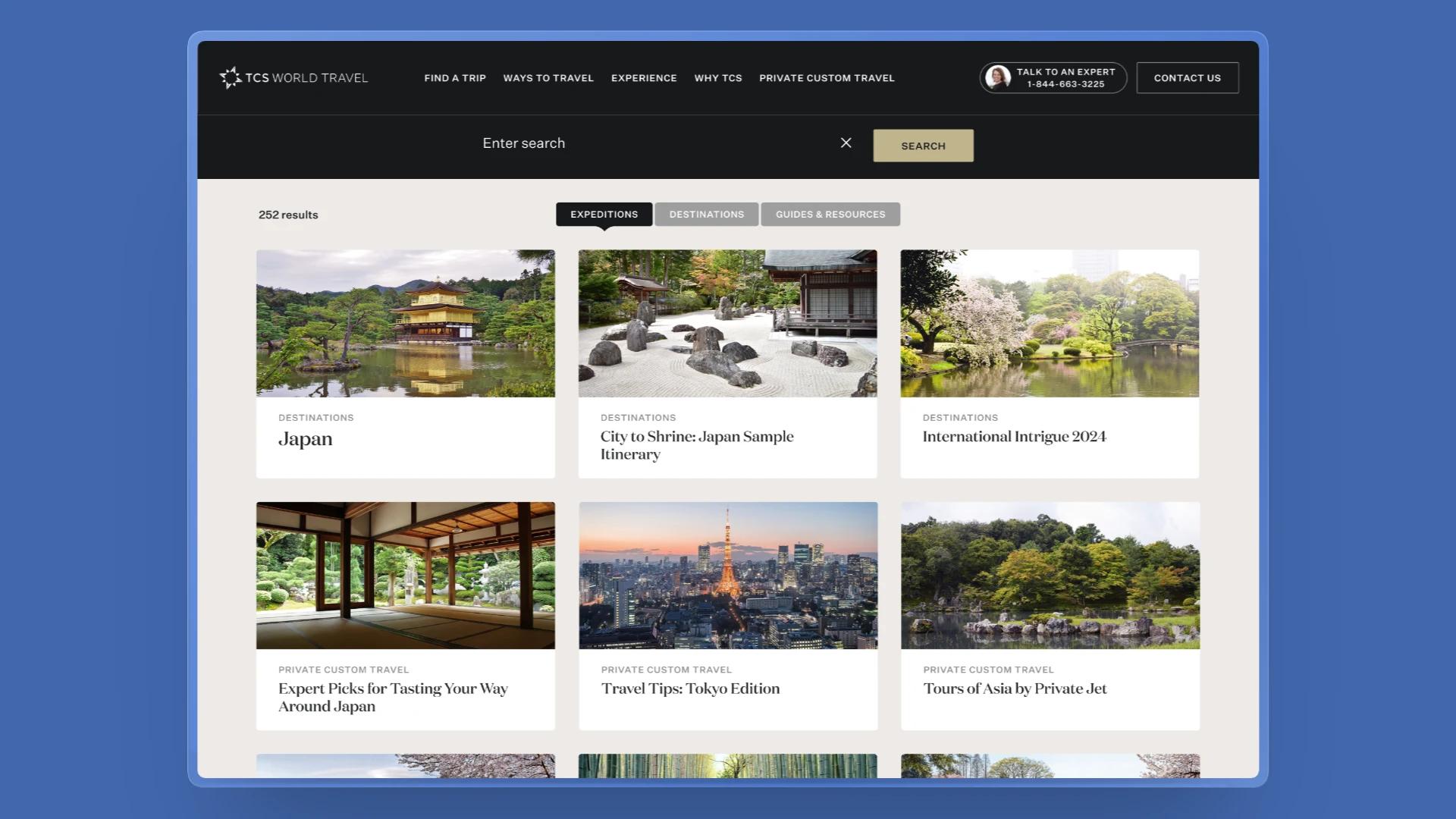 Room 102From every trip at once to the few that fit: filters for TCS searchFilters, a result count and each trip's route on its card, so travellers can find the trips that fit. Live since July 2026.
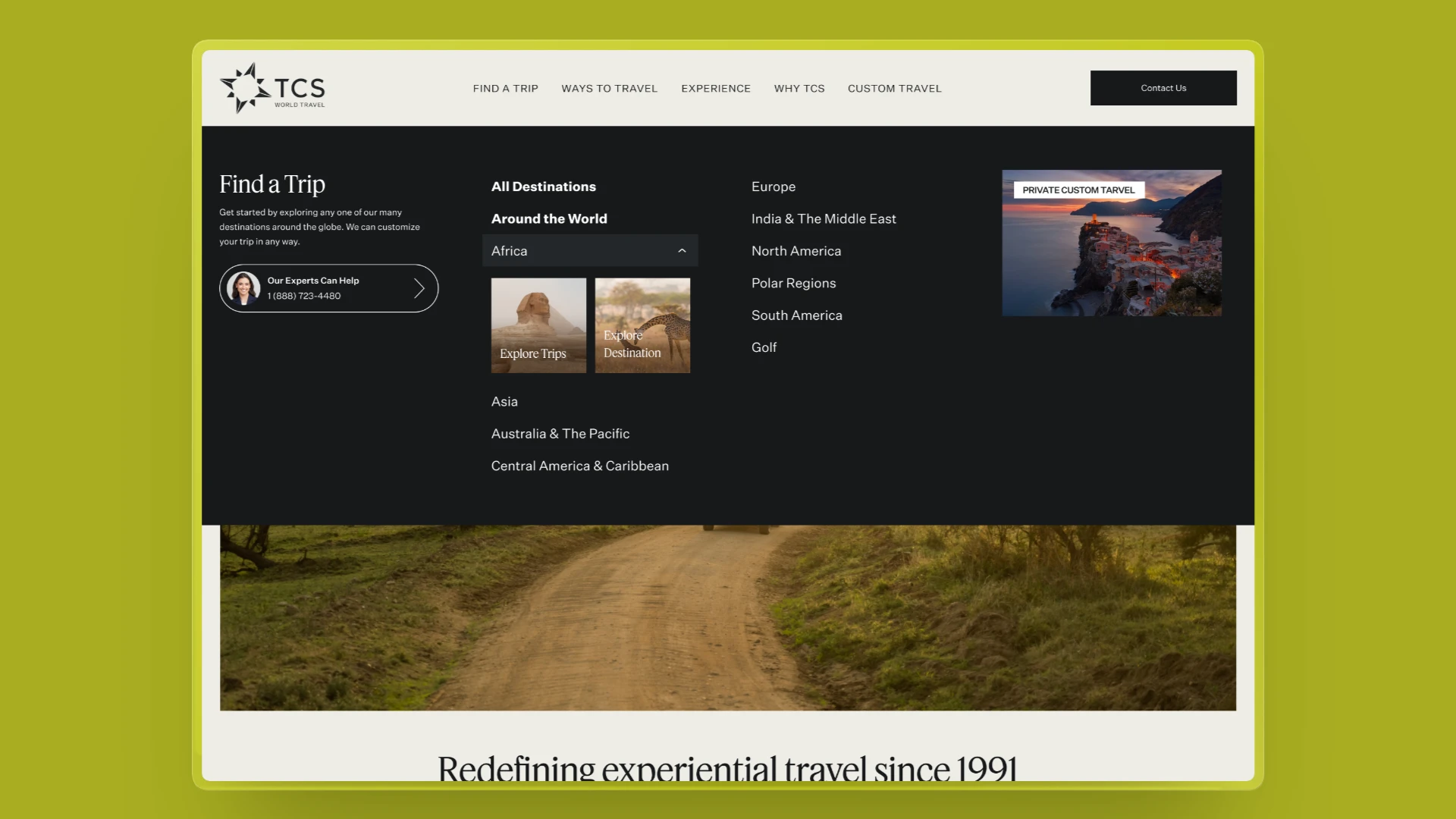 Room 103Letting TCS travellers explore a destination before they bookA two-path choice in the Find a Trip menu, so travellers still exploring can learn about a place first. Built in code, ready for an A/B/C test.